
Getting started
Introduction
Meet your workspace for understanding, planning, building, and reviewing software.
On this page
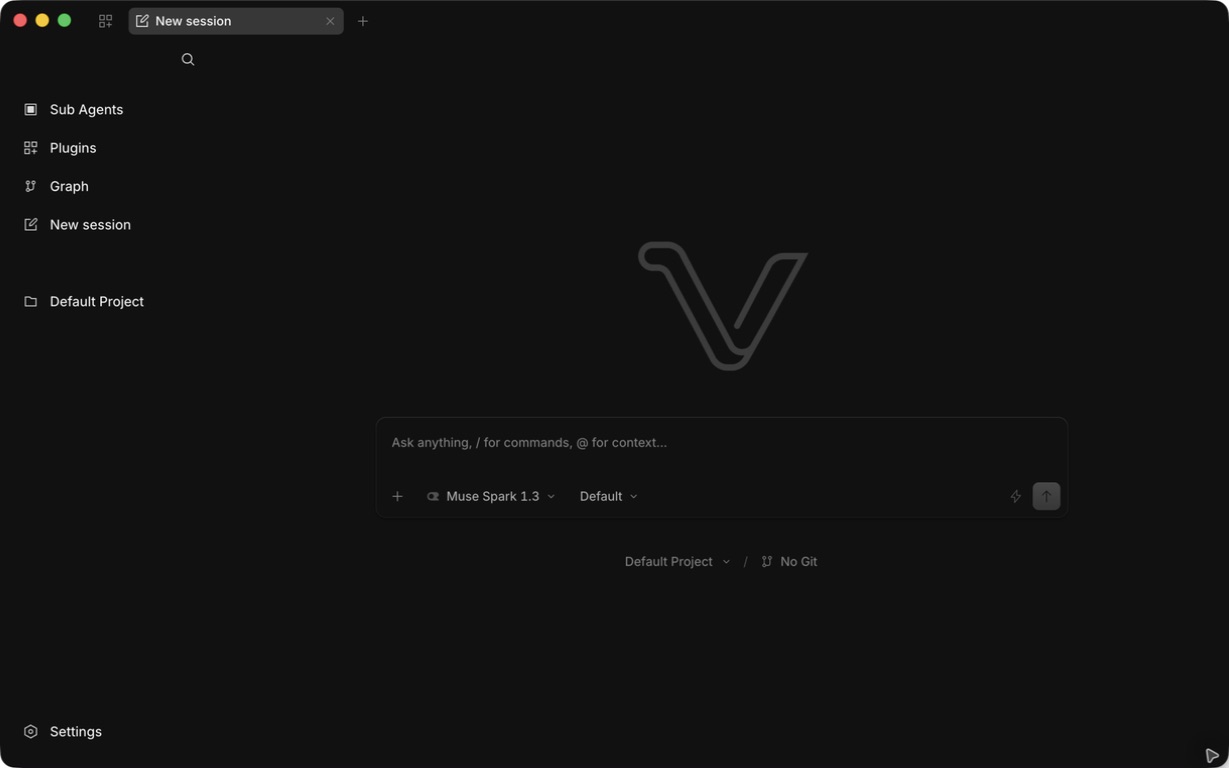
Virillio Code is a desktop workspace where you work with an AI agent on your own projects. Bring a question, a bug, or a feature idea, add the relevant context, and follow the work through to a reviewed result.
The everyday workflow
- Understand. Open your project and ask the agent to explain an unfamiliar area before changing it.
- Plan. Describe the outcome and constraints. Use Plan mode to explore an approach.
- Build. Ask for the implementation. Follow tool activity and respond to approval requests.
- Review. Inspect the actual changes and test results before keeping or shipping them.
A project supplies the working directory. A session holds a conversation about work in that directory. Your selected model provides the intelligence; tools let the agent interact with files and connected services.
What you need
Use a supported desktop installation, a project folder, and access to an AI provider or compatible local model. Start with installation, then follow your first project.
Virillio Code is proprietary software. These guides explain its user-facing features and configuration. The app license and third-party notices explain the applicable software terms.
While the product is in beta
Some features and platforms are still being developed. Follow the availability notes in each guide and the download page. A feature appearing in a preview or roadmap does not mean it is available in your installed version.